How to Apply for Government Jobs Online — A Complete Beginner's Guide
Applying for government jobs online can feel overwhelming if you're doing it for the first time. Different websites, different portals, photo size requirements, fee payment methods — there's a lot to figure out.
This guide walks you through the entire process step by step, from finding the right job to submitting your application successfully. By the end, you'll be able to apply confidently on any government recruitment portal.
Before You Start — Keep These Ready
Before opening any application form, prepare these documents and files:
Documents (soft copies/scans):
- 10th Mark Sheet & Certificate (for DOB proof)
- 12th Mark Sheet (if required)
- Graduation Degree/Mark Sheet (if required)
- Category Certificate (SC/ST/OBC/EWS — if applicable)
- PwBD Certificate (if applicable)
- Domicile/Residence Certificate (for state-level jobs)
- Aadhaar Card
- Valid Email ID (use one dedicated email for all job applications)
- Active Mobile Number (keep the same number throughout — OTPs will come here)
Photo & Signature Files:
- Passport-size photograph (JPEG, white background, 3.5×4.5cm, 20-50KB)
- Signature on white paper with black ink (JPEG, 3×1.5cm, 10-20KB)
Don't have the right size? Use our free tool: Photo & Signature Resizer →
Step 1 — Find the Right Job
Start by browsing jobs that match your qualification:
- 10th Pass? → Look for SSC MTS, Railway Group D, Defence Agniveer, State Police Constable
- 12th Pass? → SSC CHSL, SSC GD, Railway NTPC, State Clerk/DEO, Defence NDA/CDS
- Graduate? → SSC CGL, IBPS PO/Clerk, UPSC CSE, State PSC, Railway ALP
Browse all current openings: Latest Government Jobs →
Check your age eligibility: Age Eligibility Calculator →
Step 2 — Read the Official Notification
This is the MOST IMPORTANT step that most beginners skip.
Every government job has an official notification (advertisement) published as a PDF on the recruiting organization's website. This document contains:
- Exact number of vacancies (category-wise)
- Educational qualification (minimum marks, specific degrees)
- Age limit and relaxation rules
- Application fee
- Important dates (start date, last date, exam date)
- Exam pattern and syllabus
- How to apply
- Physical standards (for police/defence)
- Posting locations
Always read the full notification PDF before applying. Don't rely on any website (including ours) for eligibility decisions — the notification is the final authority.
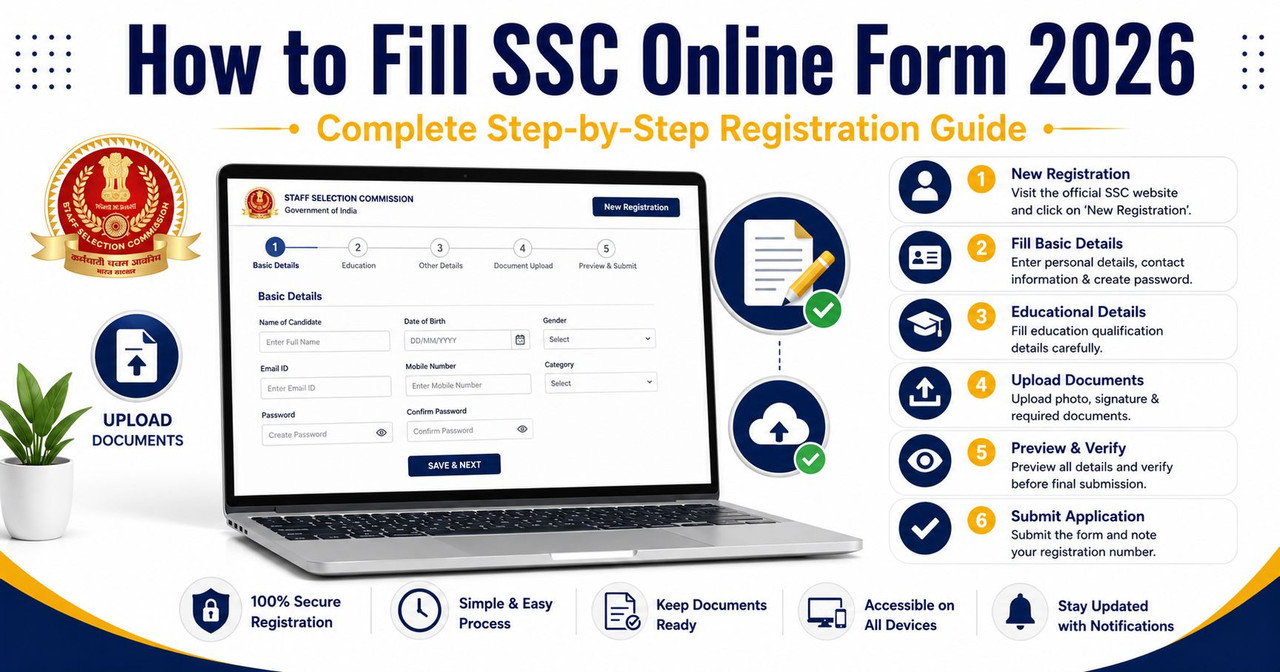
Step 3 — Register on the Portal
Most government recruitment portals require a one-time registration before you can apply. Common portals:
| Exam | Portal | Registration Type |
|---|---|---|
| SSC (CGL/CHSL/MTS/GD) | ssc.gov.in | One Time Registration (OTR) |
| UPSC (CSE/CDS/NDA) | upsconline.nic.in | ORA Registration |
| IBPS (PO/Clerk/SO) | ibps.in | Online Registration |
| Railway RRB | rrbapply.gov.in | One Time Registration |
| UPSSSC (UP State) | upsssc.gov.in | PET-based Registration |
| UPPSC (UP PSC) | uppsc.up.nic.in | OTR |
| HSSC (Haryana) | onetimeregn.haryana.gov.in | OTR |
| Rajasthan RSSB | sso.rajasthan.gov.in | SSO ID |
| Karnataka KEA | cetonline.karnataka.gov.in | Online Registration |
| Gujarat OJAS | ojas.gujarat.gov.in | OTR |
Registration tips:
- Use a permanent email and mobile number — don't change these during the recruitment process
- Note down your Registration Number/ID and Password — you'll need these for admit card download, result checking, and future applications
- Complete the registration BEFORE the rush — portals crash on the last 2-3 days
Step 4 — Fill the Application Form
After registration, log in and select the specific recruitment/advertisement you want to apply for. The form typically asks:
Personal Details:
- Full Name (as per 10th certificate — spelling must match exactly)
- Father's/Mother's Name
- Date of Birth
- Gender
- Nationality
- Category (General/OBC/SC/ST/EWS)
- PwBD status
- Religion
Address:
- Permanent Address
- Correspondence Address
- State, District, Pin Code
Educational Qualification:
- Board/University name
- Year of passing
- Percentage/CGPA (use our CGPA to Percentage Calculator if needed)
- Roll Number
Exam Preferences:
- Exam Centre choices (select cities closest to you — usually 3-4 preferences)
- Post preferences (for multi-post exams like SSC CGL, select posts in order of preference)
- Language preference for exam (Hindi/English)
Common mistakes to avoid:
- Name spelling must match your 10th certificate EXACTLY
- Date of birth must match your 10th certificate
- Category certificate must be from the correct issuing authority
- Don't leave any mandatory field blank
- Double-check mobile number and email — OTPs and updates come here
Step 5 — Upload Photo & Signature
This is where most applications get rejected. Every portal has specific size requirements:
General rules:
- Photo: Recent passport-size, white background, face covering 60-70% of frame, no cap/dark glasses
- Signature: Black ink on white paper, consistent style
- Format: JPEG (.jpg) always
- Size: Usually 20-100 KB (varies by portal)
Don't guess the size — use our free tool:
Features: Select exam preset (SSC/UPSC/Railway/IBPS) → automatically sets correct dimensions → compress to exact KB → AI background change to white → webcam capture option → download instantly. 100% free, nothing uploaded to any server.
For exact size requirements per exam: Photo & Signature Size Guide →
Step 6 — Pay Application Fee
Most government exams charge a small application fee:
| Exam | General Fee | SC/ST/Female Fee |
|---|---|---|
| SSC (CGL/CHSL/MTS) | ₹100 | Free |
| UPSC (CSE/CDS) | ₹100 | Free for Female/SC/ST |
| IBPS (PO/Clerk) | ₹175-₹850 | ₹175 (SC/ST/PwBD) |
| Railway RRB | ₹500 | ₹250 (refundable) |
| State PSC | ₹50-₹200 | Varies by state |
Payment methods accepted:
- Debit Card (most common)
- Credit Card
- Net Banking
- UPI (increasingly accepted)
- SBI Challan (some exams, offline option)
Tips:
- Pay before the fee deadline (often 2-3 days after application deadline)
- Save the payment receipt/transaction ID
- If payment fails, check your bank statement before paying again — you might get double charged
- Some portals send fee confirmation via SMS/email — wait 30 minutes before retrying
Step 7 — Submit & Print Confirmation
After filling all details, uploading documents, and paying the fee:
- Preview your application — every portal shows a preview page. CHECK EVERY FIELD carefully
- Submit — once submitted, most portals don't allow editing (some have a correction window 3-5 days later)
- Print/Download — save the confirmation page as PDF. Print 2 copies. Keep one safe for interview/document verification.
- Note the Application Number — this is your unique ID for this recruitment
Common Mistakes That Get Applications Rejected
Wrong photo specifications: A 5MB selfie will be rejected. Always resize to the exact specs using our Photo Resizer.
Name mismatch: "RAHUL KUMAR" on 10th certificate but "Rahul Kumar Sharma" on the form → REJECTED at document verification.
Wrong category certificate: OBC certificate must be in the prescribed format with "creamy layer" status. Old certificates (more than 1 year) may not be accepted.
Missing the deadline: Portals close at 11:59 PM or 6:00 PM on the last date. Don't wait for the last day — servers crash due to heavy traffic.
Not saving the confirmation page: Without the application number and confirmation, you can't download your admit card or check your result.
Applying for the wrong post/exam: Read the notification carefully. SSC CGL and SSC CHSL are different exams with different eligibility. IBPS PO and IBPS Clerk have different age limits.
After Submitting — What Next?
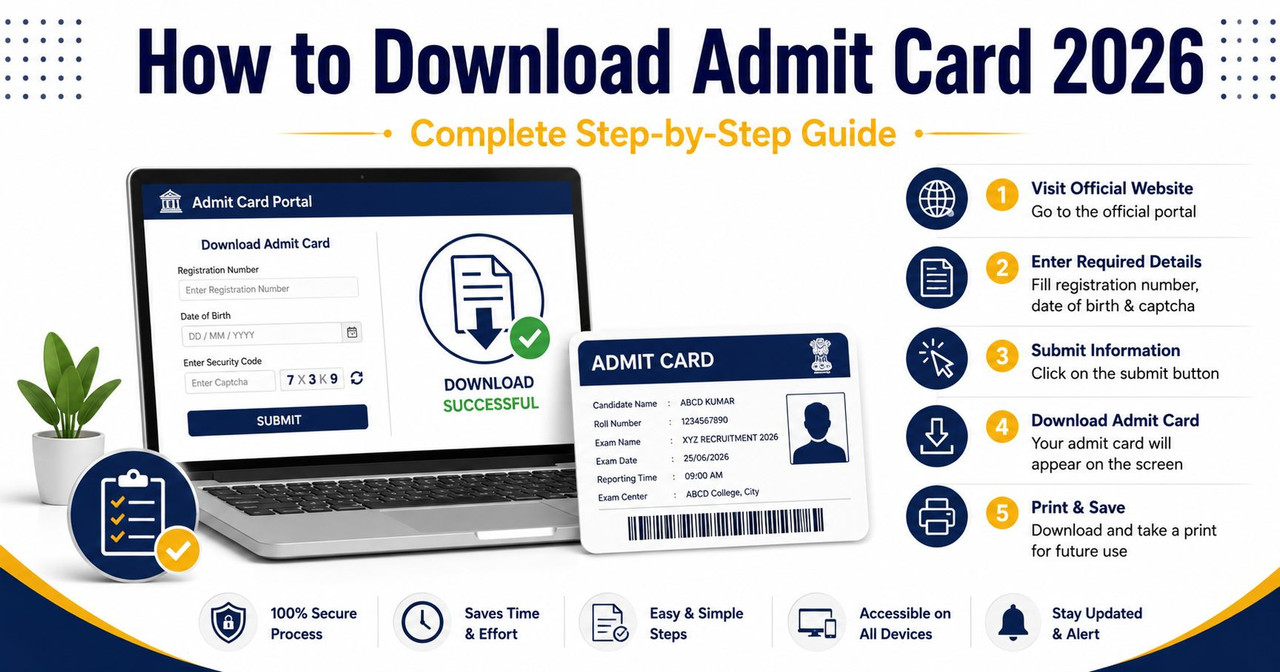
- Admit Card — Released 10-15 days before the exam. Download from the same portal using your Registration Number and DOB. Check our Admit Cards section → for latest releases.
- Exam — Carry printed admit card + valid photo ID (Aadhaar/PAN/Voter ID/Passport). Reach the centre 60-90 minutes before the exam.
- Answer Key — Released within 1-2 weeks after the exam. Check and raise objections if needed.
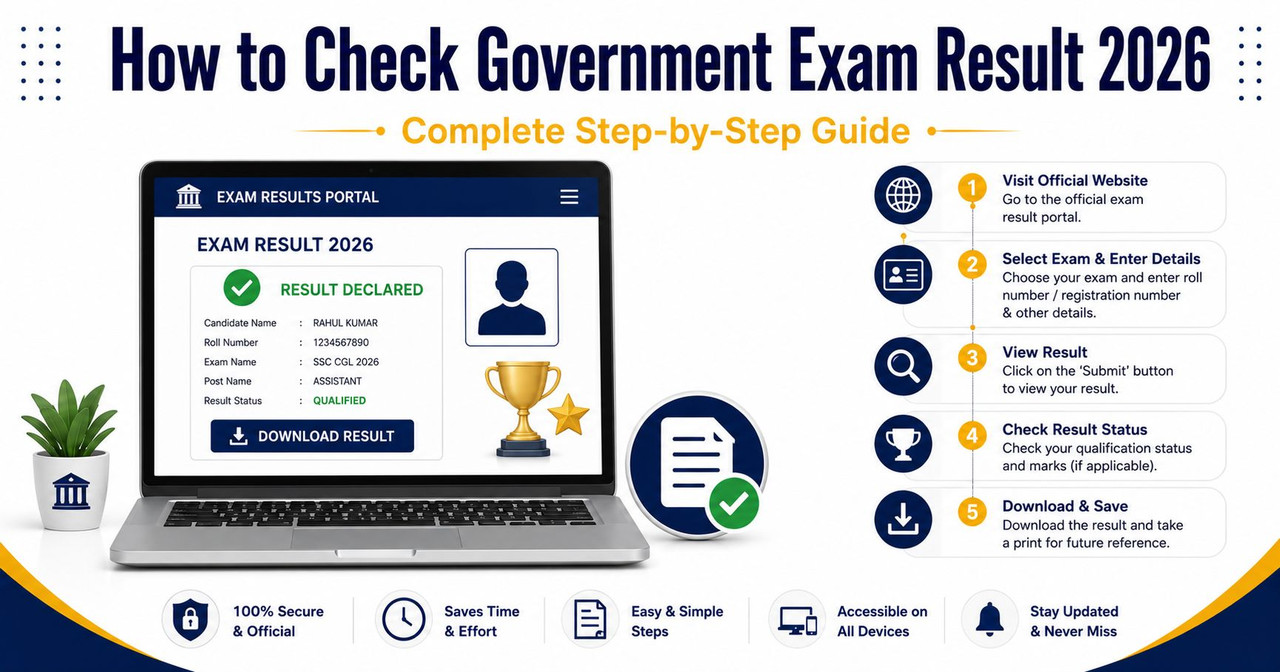
- Result — Check our Results section → for latest declarations.
- Document Verification — If selected, carry ALL original documents. This is where name mismatches and wrong certificates cause rejections.
Useful Tools for Your Application
- Photo & Signature Resizer — AI background + webcam + all exam presets
- Age Eligibility Calculator — Check if you qualify
- CGPA to Percentage Calculator — Convert for eligibility
- Typing Speed Test — Practice for SSC CHSL/Court exams
- 7th Pay Commission Calculator — Check your future salary
- Cut-off Marks Calculator — Estimate your chances
Final Tips
Start applying for multiple exams simultaneously. The SSC, Railway, and Banking exam calendars overlap — if you prepare for one, you're 70-80% prepared for the others. Apply early (don't wait for the last date), keep your documents organized in a dedicated folder, and maintain the same email and phone number throughout your preparation journey.
Government jobs change lives. One successful application can give you financial security, social respect, and a stable career for 30+ years. Take it seriously, prepare consistently, and apply smartly.

Leave a Reply
Be the first to comment.